Neo Now Sees and Controls AI Coding Agents Inside WSL
Developers run Claude Code, Codex, and Copilot CLI inside WSL. Neo now discovers them and enforces policy in every WSL environment on Windows.
Noah Simon & Noam Varshisky

Open a terminal on almost any developer's Windows laptop and there's a good chance you'll find a Linux shell. Windows Subsystem for Linux (WSL2) gives developers a full Linux environment without leaving Windows, and it has become a natural home for AI coding agents. Claude Code, Codex, and Copilot CLI all run there, right next to the repos, package managers, and toolchains developers already use.
For security teams, that's a blind spot. Many AI security tools only look at the Windows side of the machine. An agent running inside WSL can read files, run commands, and reach credentials without ever showing up in inventory or meeting a single policy. Today, Neo closes that gap.
What's new
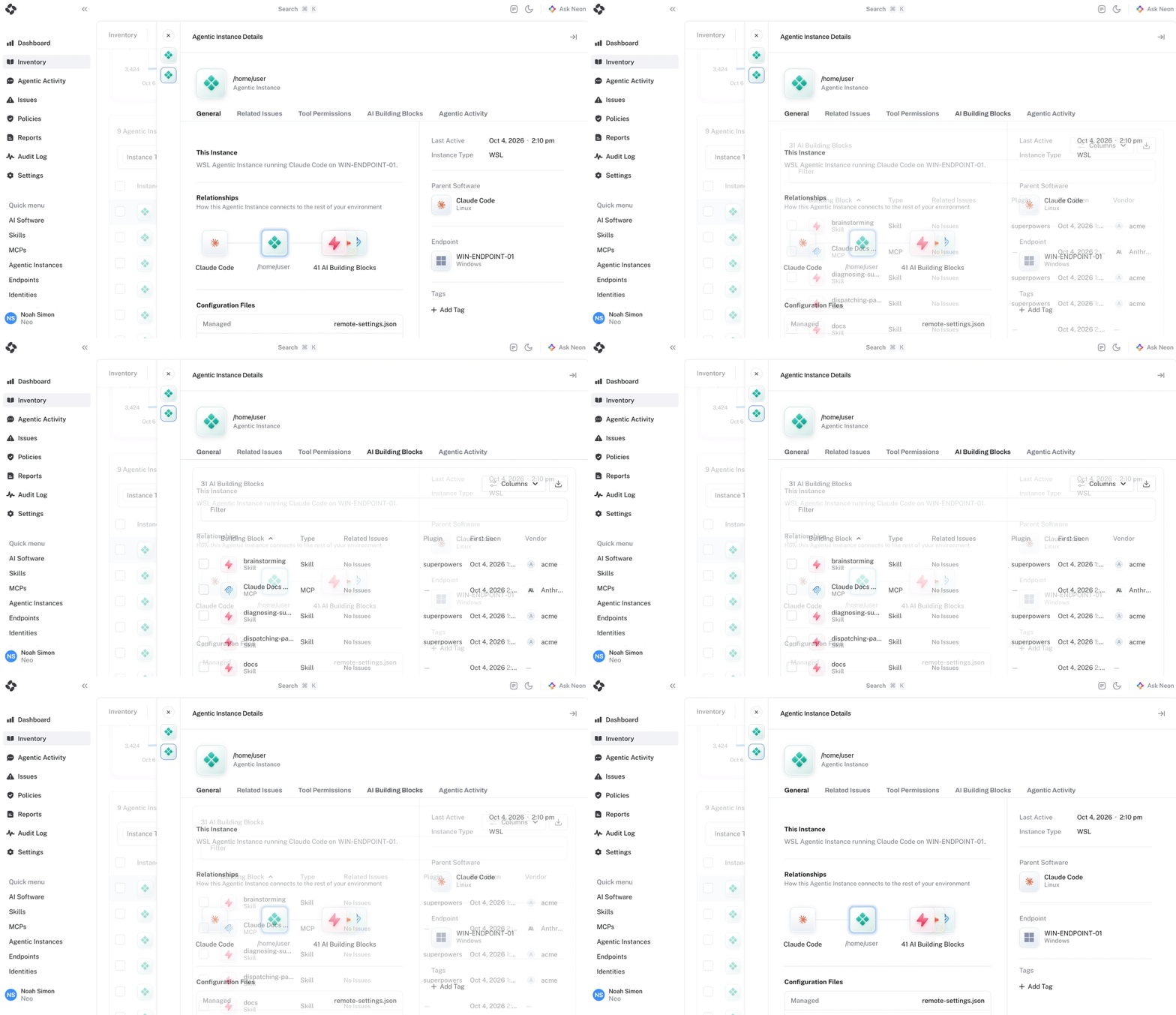
Neo now discovers AI coding tools running inside WSL2 environments on Windows endpoints, shows them in inventory, and applies the same policies inside WSL that already apply on Windows.
- Discovery inside every WSL environment. Coding agents running in a WSL distribution appear in Neo's inventory, attributed to the specific environment they run in.
- Environment-level attribution. Every tool and policy event is tied to the WSL environment it came from, so a WSL event is always distinguishable from a Windows one.
- One set of policies. The allow, block, and human-in-the-loop rules you enforce on Windows now hold inside WSL too.
How it works
Neo extends the existing Windows sensor's visibility and enforcement capabilities into WSL environments. This allows Neo to detect AI tools running inside WSL, monitor their activity, and enforce the same security policies already applied across the endpoint. No separate agent deployment or management is required.
Why this belongs at the endpoint
WSL is a clear example of why the control plane for agentic software has to live at the endpoint. A network proxy sees traffic leaving the machine, not which agent in which Linux environment produced it. EDR tools may see WSL processes for threat detection, but they watch from outside the application. They can't see an agent's tool calls or tell whether a command came from the developer or the agent. And tools built only around Windows apps don't see WSL at all.
Neo sits where the developer, the agent, and its actions come together, including inside the Linux environment where the agent actually runs. That's what lets Neo answer "what AI is running here, and what can it reach?" for the whole device, not just the Windows half.
What it means for you
- Know exactly what AI is running, including agents your developers run in WSL.
- Answer "who or what did this?" for any AI-driven action, down to the environment it came from.
- Decide exactly what AI agents can, and cannot do, wherever on the device they run.
Get started
WSL support is available now for Neo customers. If you’re interested in learning how Neo helps secure your coding agents however you run them, reach out to us.
Get started
Put NEO to Work on Your Hardest Problem
Bring a use case. We will show you a working loop on your data in the first session.